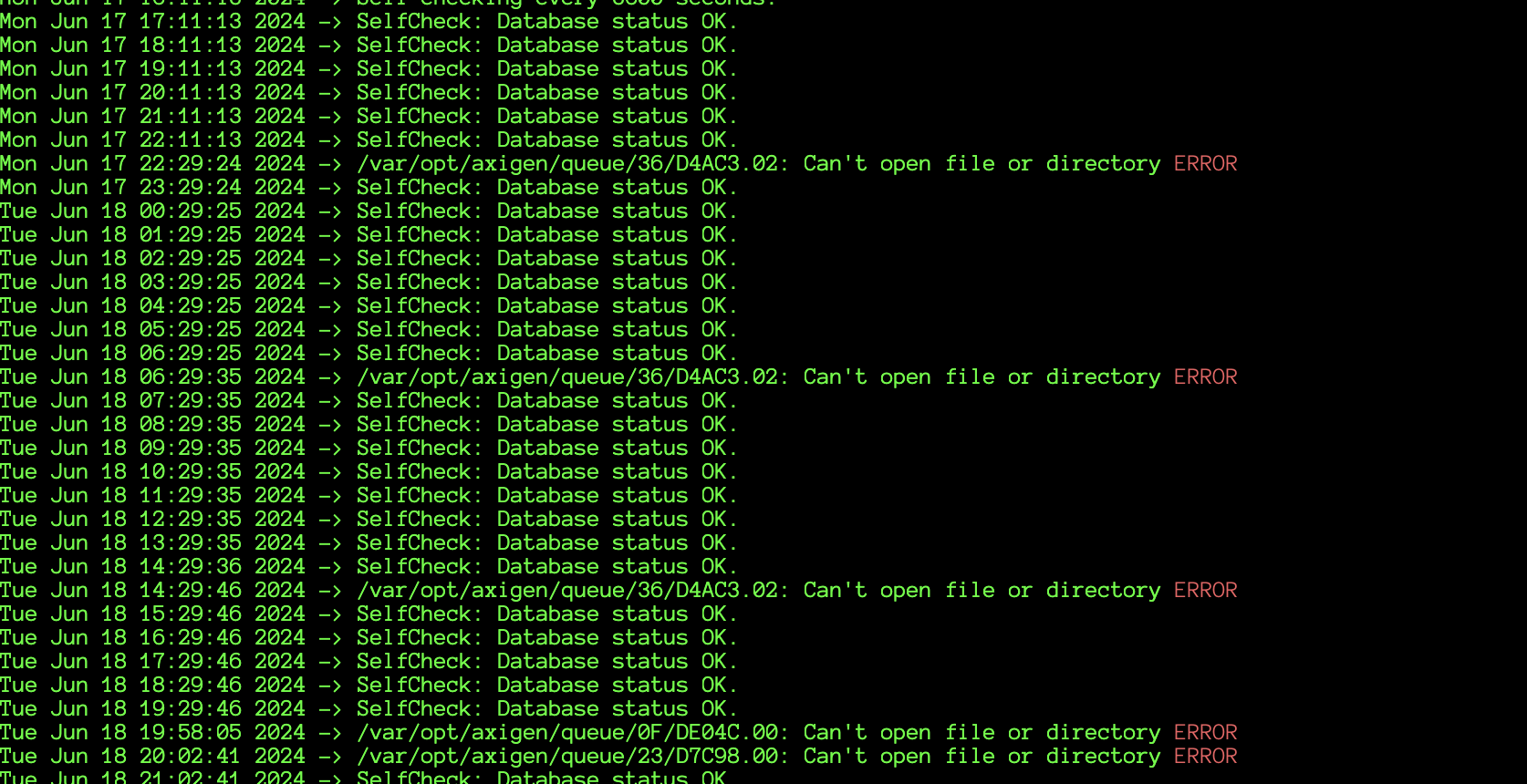
Not to resurrect an old thread but for me it was indeed App Armor. I am running Axigen in an LXC Debian 12.12.
I had CLAMAV-DAEMON installed as a TCP Daemon running on my hosts IPv4 address (instead of its loopback 127.0.0.1) and I was still getting errors having Axigen establish a connection with CLAMD even though it was running.
I see you have the LocalSocketMode and LockSocketGroup enabled with your TCPSocket and TCPAddr configured, I believe they conflict. I was able to get my running by not having it run as a socket but as a daemon. Also instead of using your loop back try using your servers actual IPv4 address.
If that config works keep it otherwise this is what I did:
Removing CLAMAV Socket and turning into TCP
We need to ensure that clamd.conf enables TCP
Edit the file /etc/clamav/clamd.conf
Ensure these lines are present:
TCPSocket 3310
TCPAddr 127.0.0.1
Ensure these lines are deleted or commented out:
#LocalSocket /var/run/clamav/clamd.ctl
#FixStaleSocket true
#LocalSocketGroup clamav
#LocalSocketMode 666
Save and exit.
Now lets disable the socket service:
systemctl disable clamav-daemon.socket
systemctl stop clamav-daemon.socket
systemctl mask clamav-daemon.socket
We need to ensure that the clamav-daemon.service unit is not bound to socket activation.
Edit the file, /etc/systemd/system/clamav-daemon.service.d/override.conf. If it doesnt exist, make it:
sudo cp /lib/systemd/system/clamav-daemon.service /etc/systemd/system/clamav-daemon.service
Edit the copy we just made, make sure you have this:
[Unit]
Requires=

[Service]
ExecStart=
ExecStart=/usr/sbin/clamd --foreground=true
Now we need to edit the main file in /etc/systemd/system/clamav-daemon.service
Make sure it looks like this (I commented out the Also and the Requires directive that makes the socket)
[Unit]
Description=Clam AntiVirus userspace daemon
Documentation=man:clamd(8) man:clamd.conf(5) https://docs.clamav.net/
#Requires=clamav-daemon.socket
# Check for database existence
ConditionPathExistsGlob=/var/lib/clamav/main.{c[vl]d,inc}
ConditionPathExistsGlob=/var/lib/clamav/daily.{c[vl]d,inc}

[Service]
ExecStart=/usr/sbin/clamd --foreground=true
# Reload the database
ExecReload=/bin/kill -USR2 $MAINPID
TimeoutStartSec=420

[Install]
WantedBy=multi-user.target
#Also=clamav-daemon.socket
Now reload and restart
sudo systemctl daemon-reexec
sudo systemctl daemon-reload
sudo systemctl restart clamav-daemon
Lets verify that TCP is listening with CLAMAV, sometimes its slow, give it a minute or two:
netstat -taupn | grep 3310
AppArmor
Now lets ensure there is or is not an AppArmor problem.
Try this command and if you see any “DENIED” you are undoubtedly running into an AppArmor issue:
sudo journalctl -xe | grep DENIED
You’ll probably see something like this:
mail kernel: audit: type=1400 audit(1762201752.878:23): apparmor="DENIED" operation="open" profile="/usr/sbin/clamd" name="/var/opt/axigen/queue/18/D9012.00" pid=1075 comm="clamd" requested_mask="r" denied_mask="r" fsuid=102 ouid=220
We need to allow CLAMAV to read the Axigen mail queue.
Find the file “usr.sbin.clamd”, typically you can find it in: /etc/apparmor.d/local/
Make sure to adjust the file in the “local” directory, as it overrides the default configuration.
Open that file, and add the following:
 # Allow TCP socket usage
  capability net_bind_service,
  network inet stream,

  # Allow ClamAV to read Axigen queue files
  /var/opt/axigen/queue/ r,
  /var/opt/axigen/queue/** r,
Afterwards we need to reload the AppArmor profile:
sudo apparmor_parser -r /etc/apparmor.d/usr.sbin.clamd
Let’s also restart CLAMAV and Axigen while we are at it:
systemctl restart clamav-daemon && systemctl restart axigen
Check your WebAdmin security filters now, and run the “detect”. Hopefully now CLAMAV becomes “available” and you can utilize it to filter your email.